
This tutorial will show you how to add a club newsletter to the website.
-
- Log into the RAC Website HERE
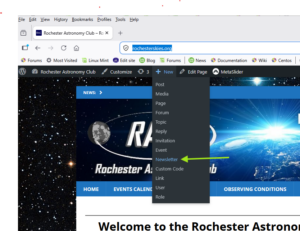
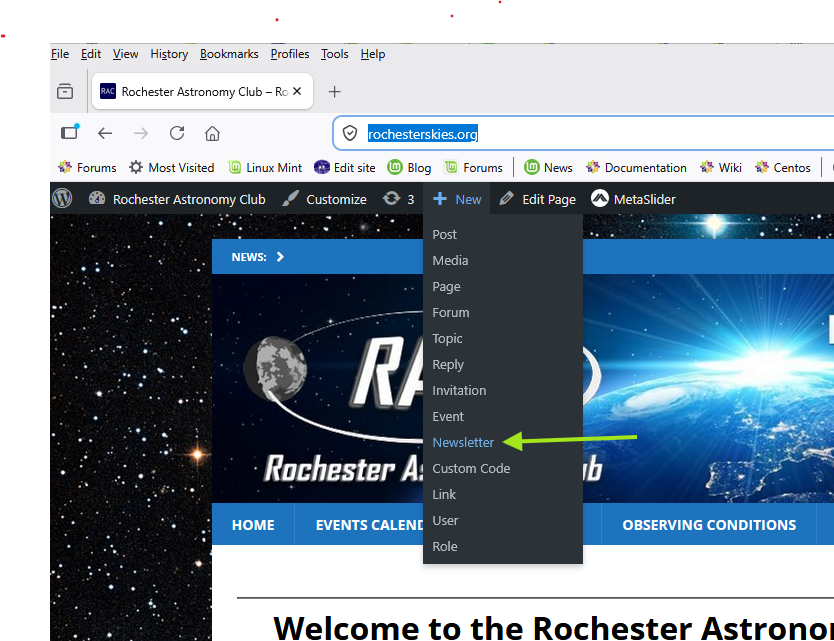
- From the top menu, select +New and then Newsletter
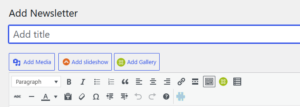
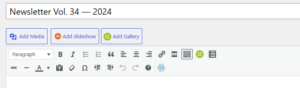
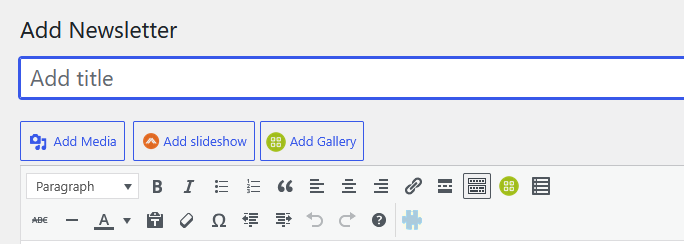
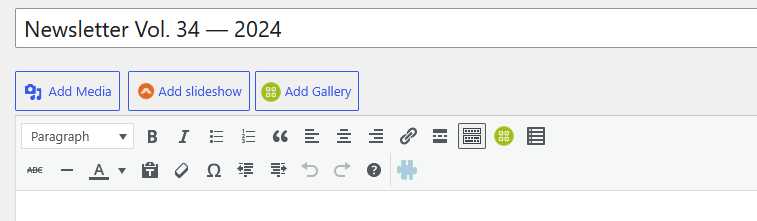
- On the New Newsletter screen put the newsletter name in the Add title box. We are using “Newsletter Vol.# – Year” naming convention
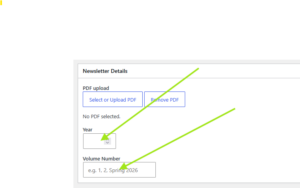
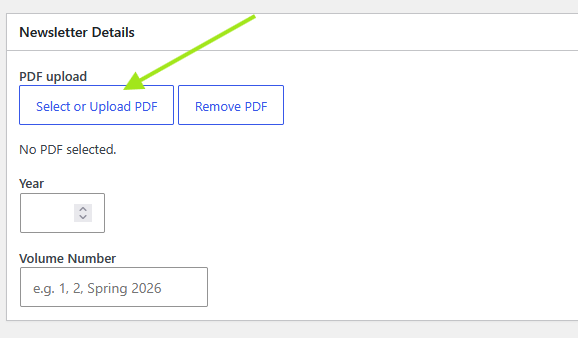
- Scroll down to the Newsletter Details section and upload the Newsletter PDF file using the Select or Upload PDF button.
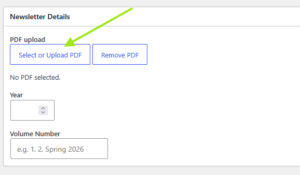
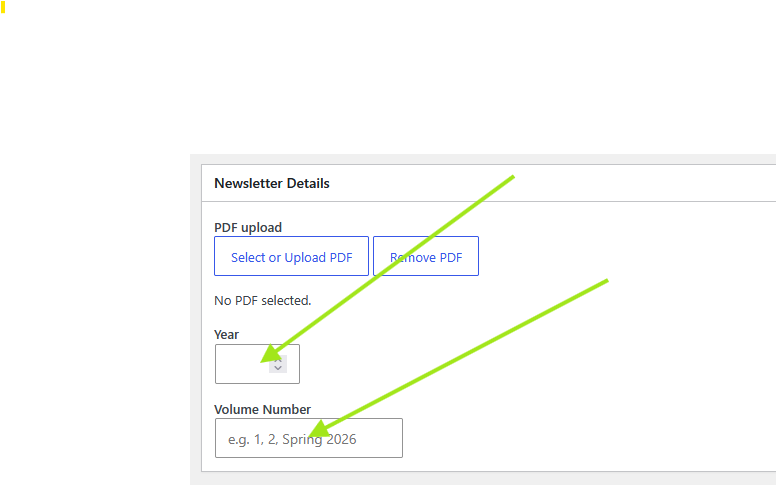
- Then add the Newsletter Year and Volume Number in the boxes below.
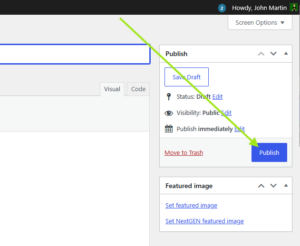
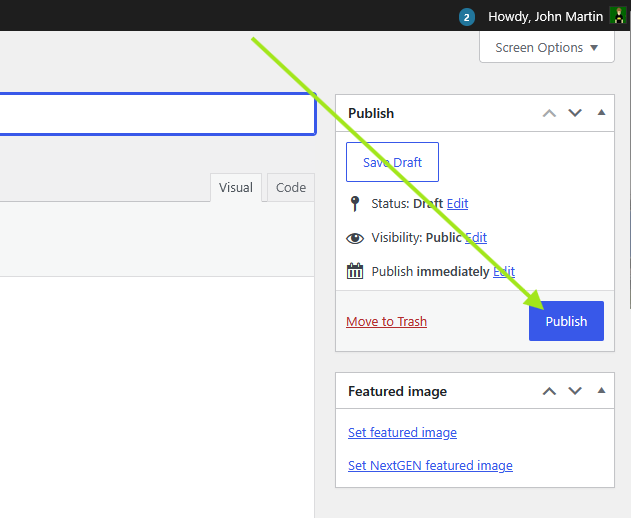
- Then publish the newsletter by scrolling to the top of the page and hit “Publish” and then confirm the publishing if prompted
Once this is done, the newsletter will automatically appear on the newsletter page. The thumbnail is automatically created for you.
Newsletter Page: https://rochesterskies.org/newsletters/